
16 built-in models
Qwen3.5, Gemma 4, Granite 4.2, LFM2.5, MiniCPM5, MiniCPM-V 4.7, Nanbeige4.2, Llama 3.2 and Phi-4 Mini, from 0.8B to 12B parameters.
Models and memorySoloLLM runs open-weight AI models on your iPhone and iPad. Once a model is downloaded, chat works offline, and what you type stays on your device unless you use a feature that goes online.
One-time purchase. No subscription.
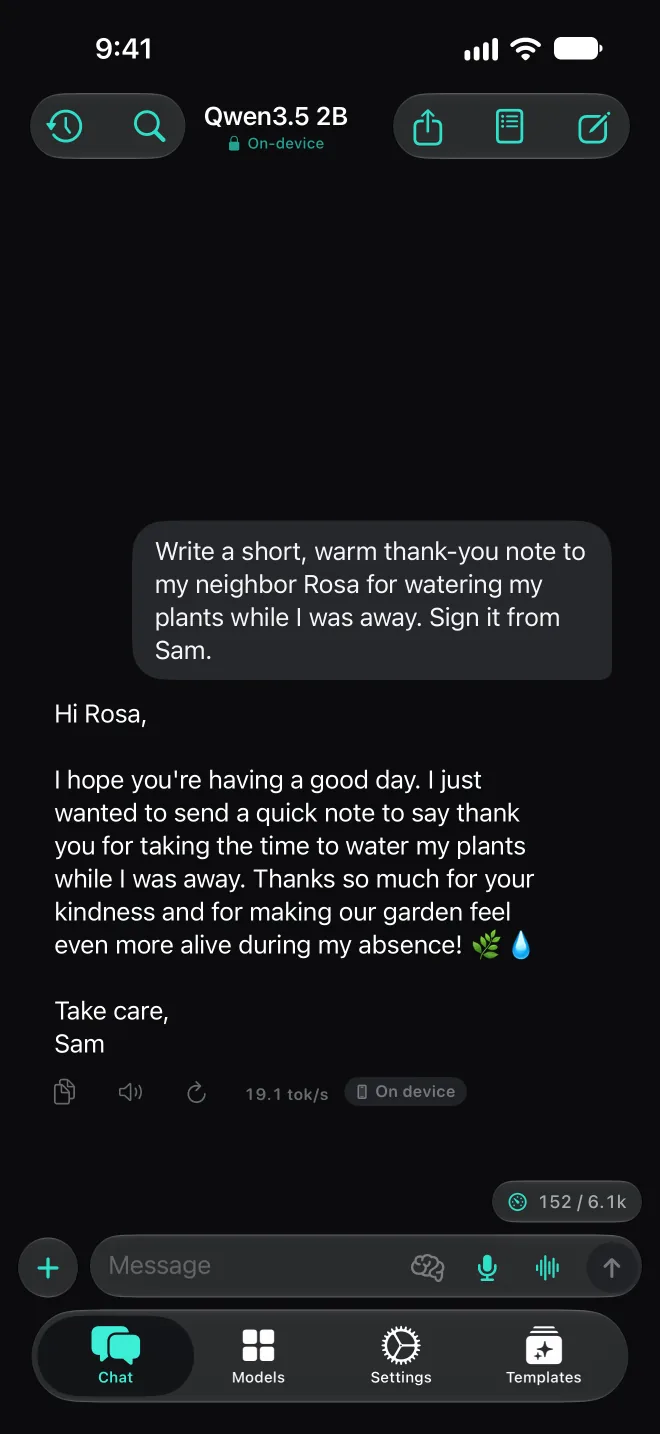
The app, as it ships
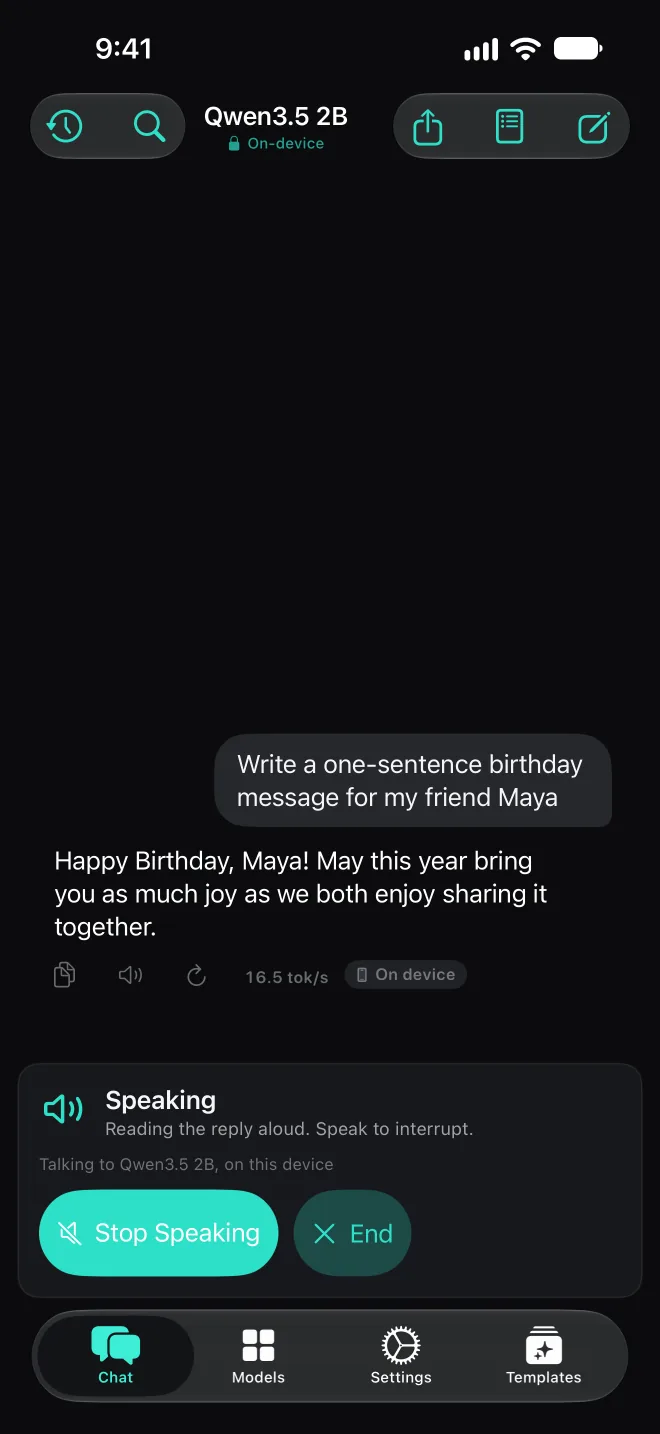
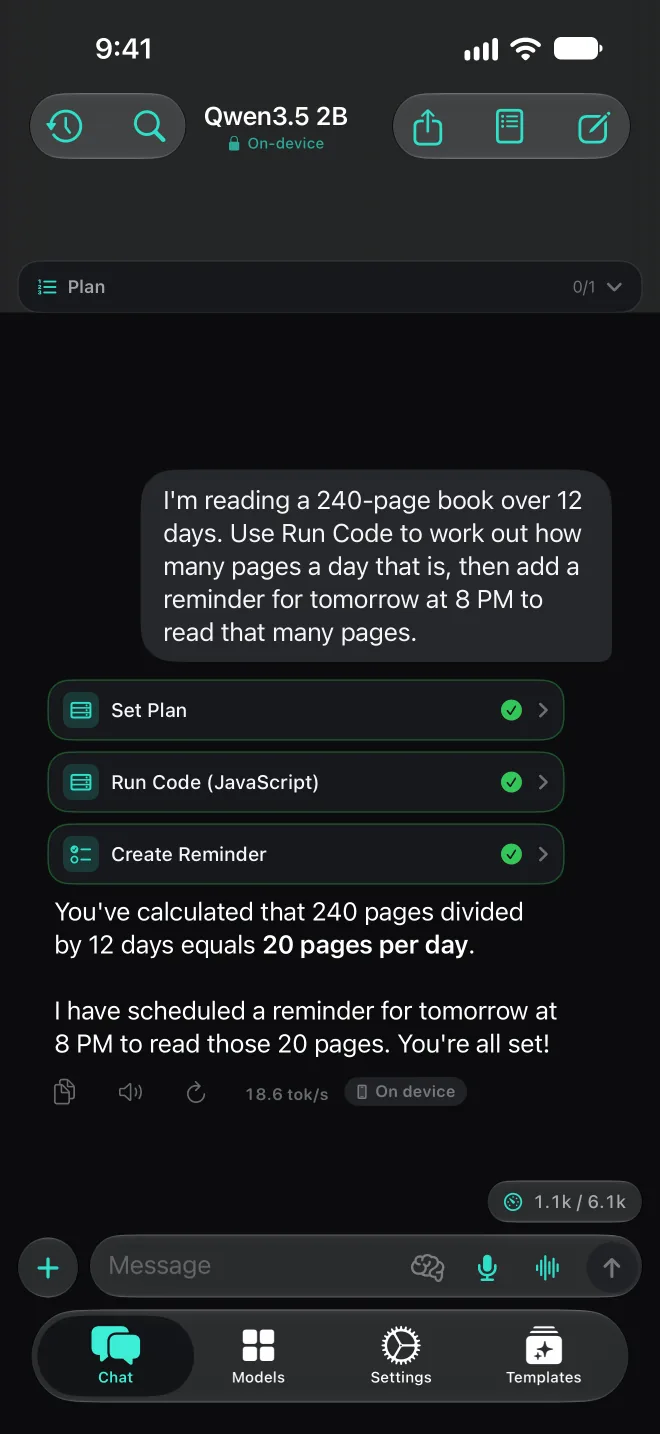
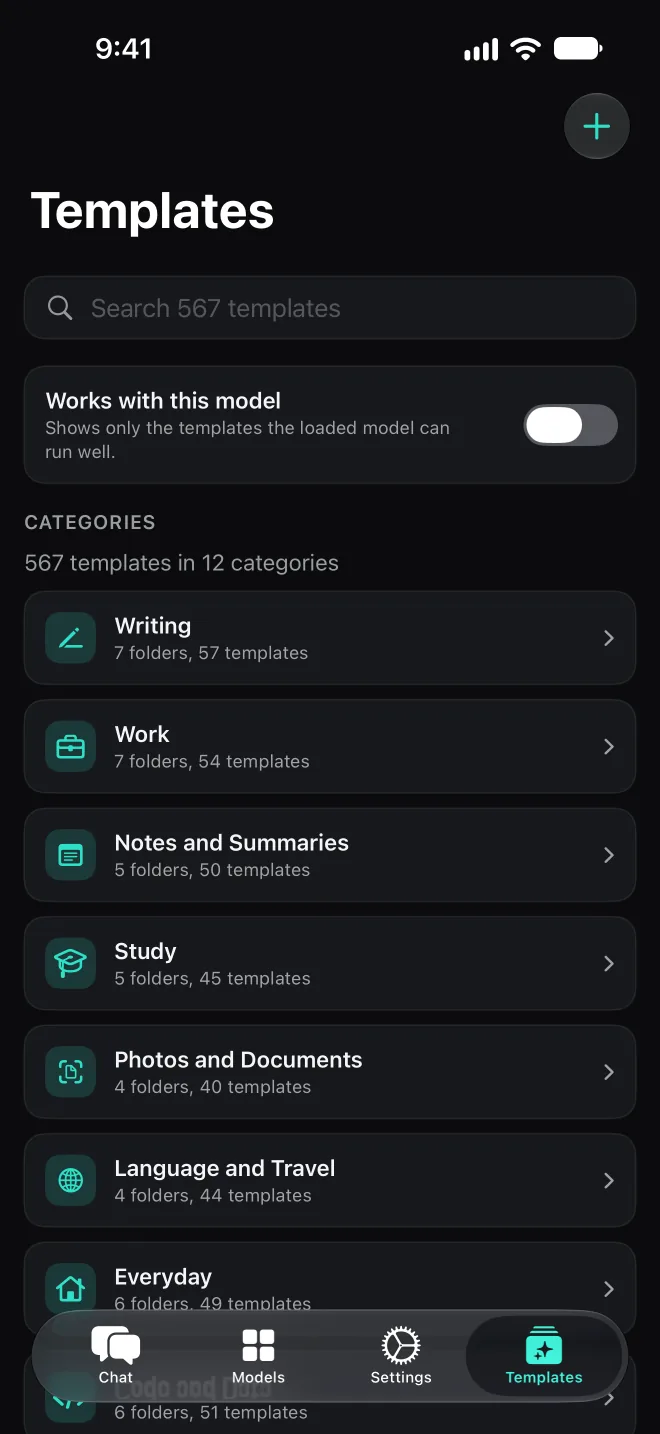
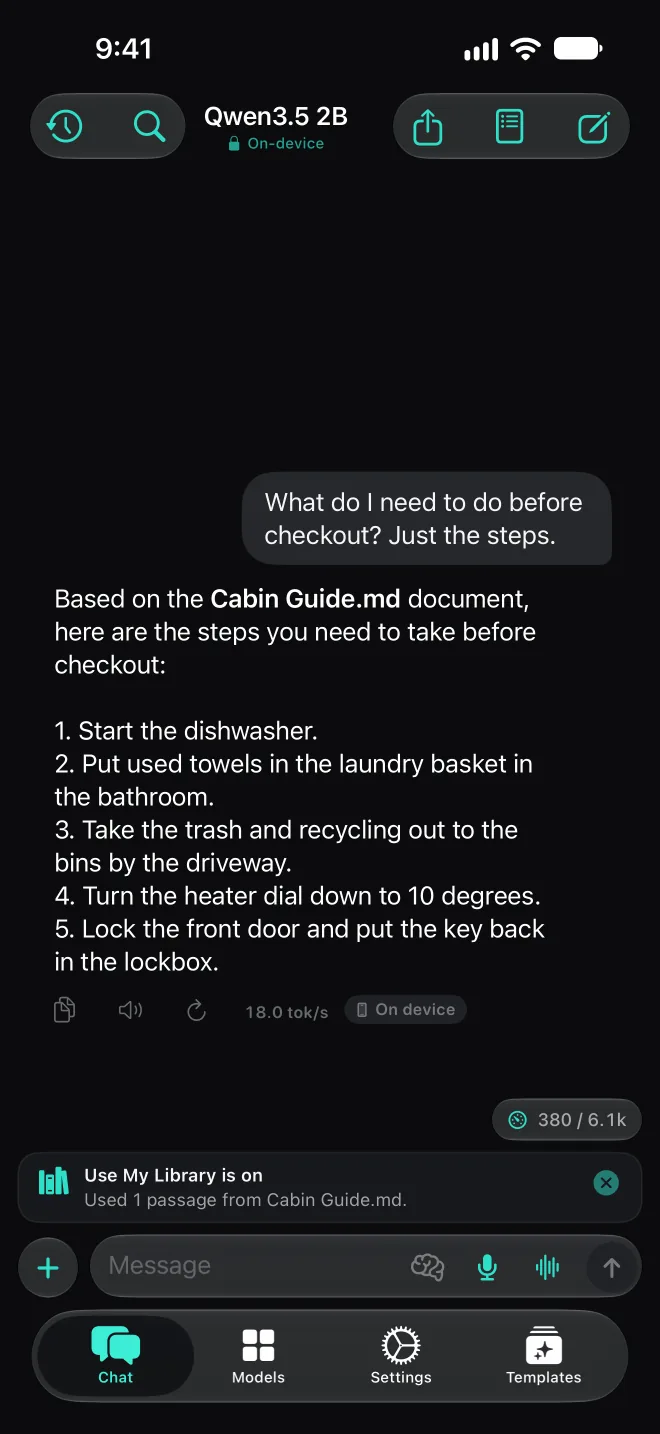
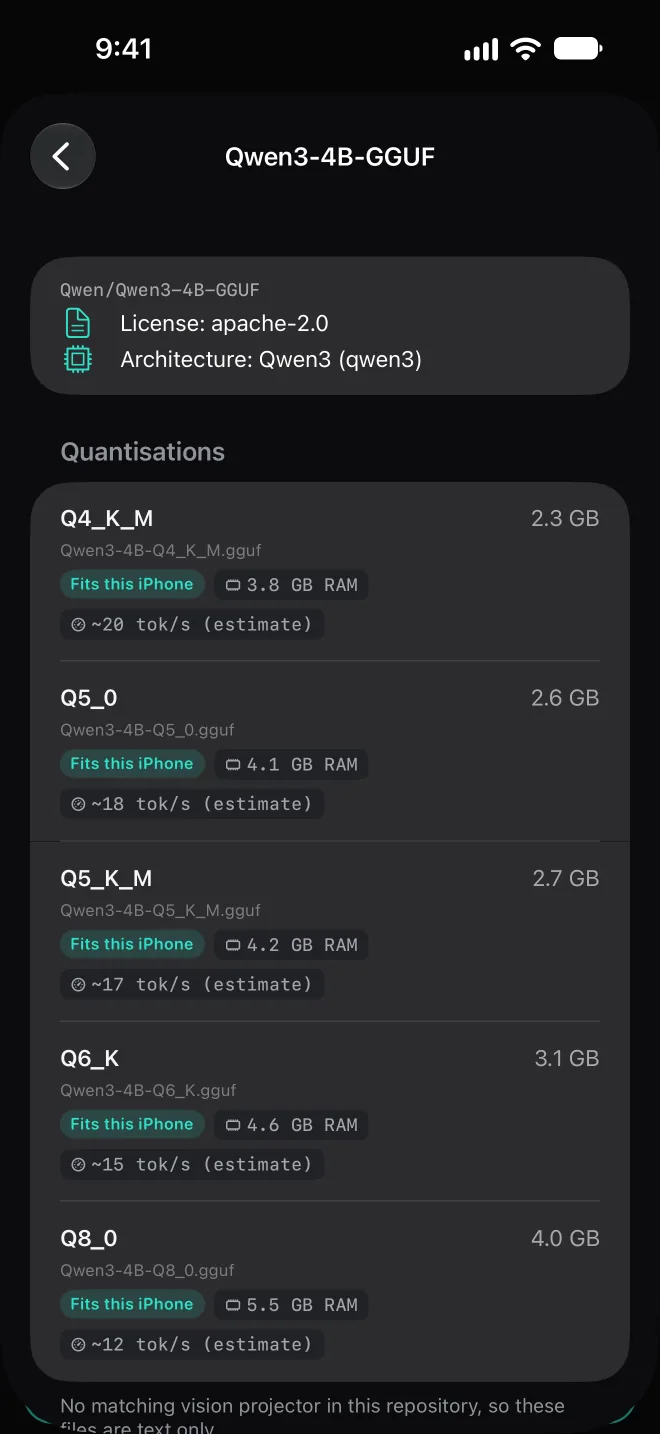
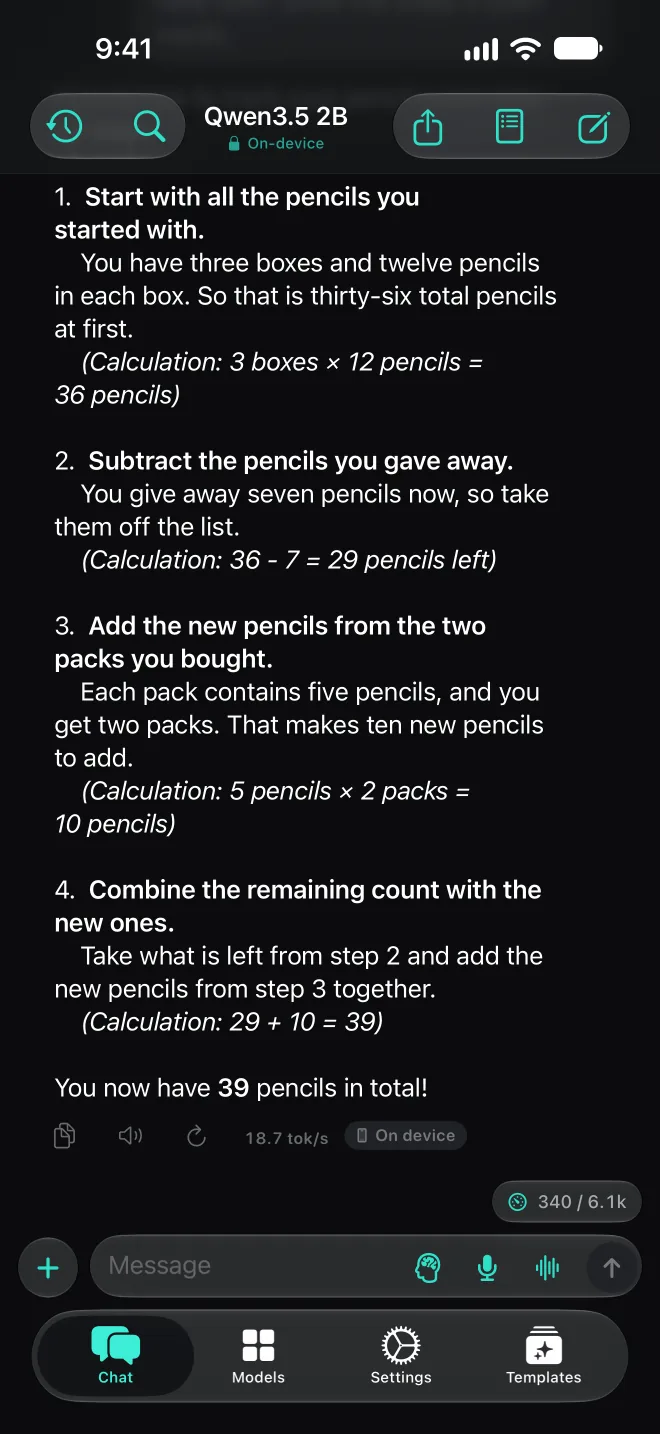
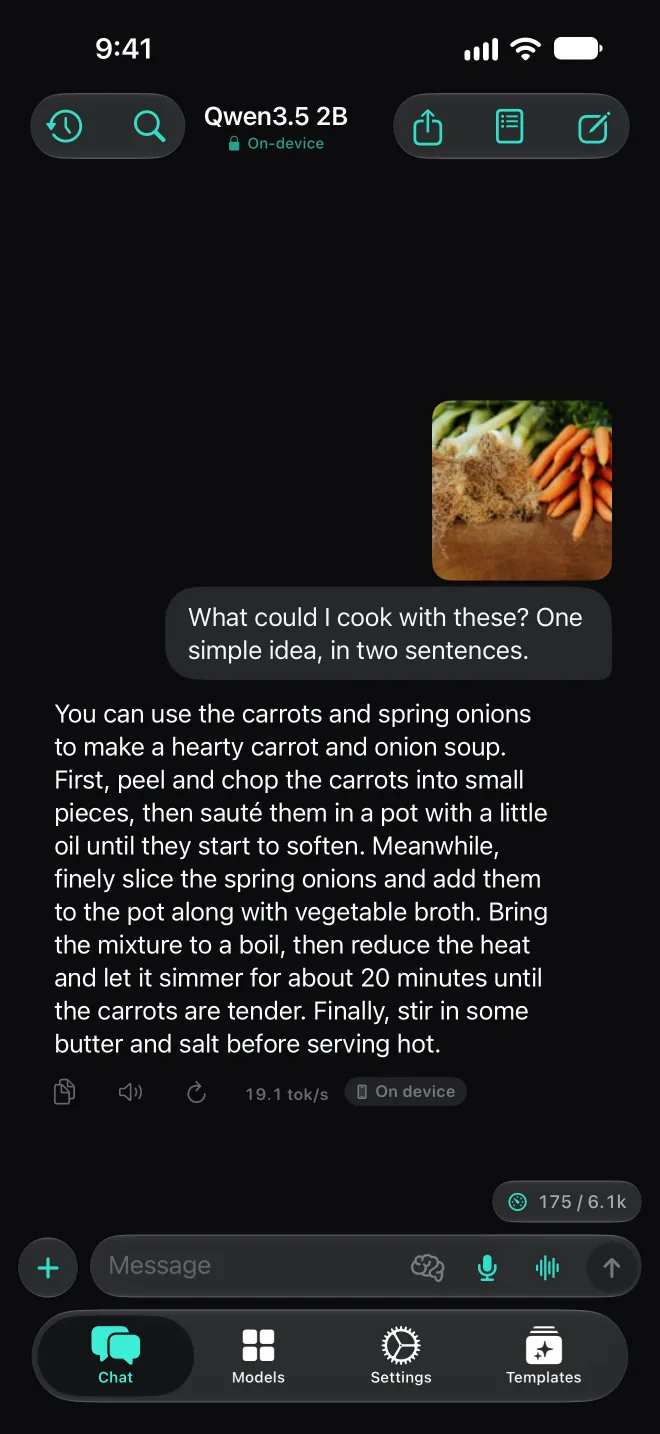
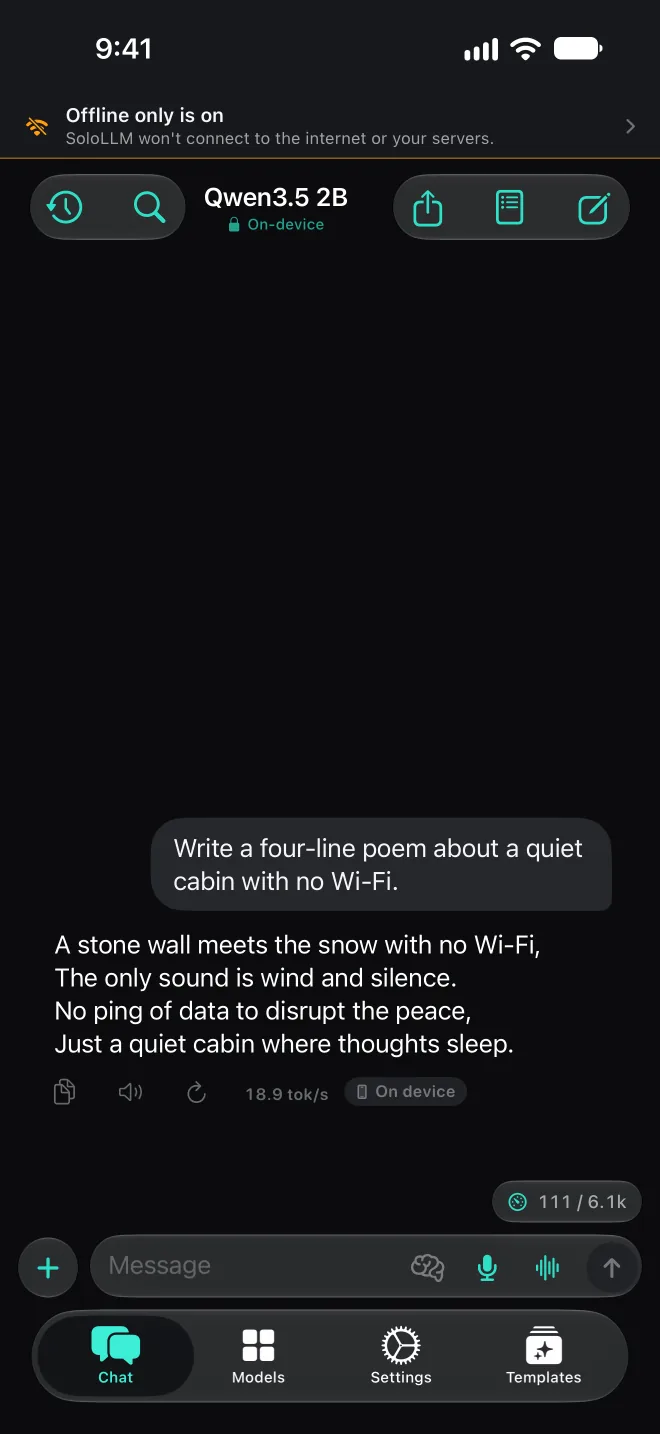
Screens from SoloLLM 1.9 on an iPhone simulator. Every reply was written by Qwen3.5 2B running on the device.
What it does
Chat, talk, and ask about documents and photos, with the model running on your iPhone or iPad. You don't need an account.
Qwen3.5, Gemma 4, Granite 4.2, LFM2.5, MiniCPM5, MiniCPM-V 4.7, Nanbeige4.2, Llama 3.2 and Phi-4 Mini, from 0.8B to 12B parameters.
Models and memorySearch Hugging Face in the app, or import a GGUF file from Files or a link. SoloLLM checks each file and shows whether it fits your device before you add it.
Add your own modelHands-free voice conversation. Speech is recognized on your device, and you can start it from Siri, the Action button or Control Center.
Voice conversationTap the brain button and models that support it reason before they answer. Replies take longer. Only the answer is saved.
How Thinking worksAttach a PDF or text to a chat and ask about it, or add documents to your Knowledge library and turn on Use My Library. Vision models can look at photos; otherwise SoloLLM reads the text in a photo with on-device OCR.
Documents and photos500 ready-made prompts and 67 templates, such as Scan a Receipt, Read a Whiteboard and Meeting Notes, sorted into 12 categories. Plus a library for your own prompts.
TemplatesWeb Search (DuckDuckGo) and Fetch Web Page look up current information. They ask for your permission the first time.
Web searchModels that support tools can run code in an on-device sandbox, read files and add calendar events. Agent mode can plan the steps, and it waits for your OK before a sensitive one.
Tools and MCPNo account, no ads, no analytics. Offline only stops every network request with one switch, and the Network Log shows each request SoloLLM makes.
Privacy policyShort answers
Yes. SoloLLM runs open-weight language models such as Qwen3.5, Gemma 4 and Llama 3.2 directly on your iPhone or iPad. You download a model once, and after that chat works with no internet connection. Bigger models need more memory, so SoloLLM shows which ones fit your device before you download.
Yes, by default. Models run on your device, there is no account, and the app has no ads or analytics. What you type stays on your device unless you use a feature that goes online, such as web search, Cloud Mode or your own servers. The Offline only switch blocks every request.
The ChatGPT app sends your messages to OpenAI's servers, where the model runs, so it needs a connection. SoloLLM runs the model on your iPhone or iPad, so chats work offline and stay on the device. Models small enough for a phone are smaller than the ones behind cloud assistants, so their answers are usually simpler.
More answers in the FAQ, including how much memory you need and using models from Hugging Face.
One-time purchase. No subscription and no in-app purchases. Every built-in model and feature is included.