
16 built-in models
From Qwen3.5 0.8B to Gemma 4 12B, plus any GGUF model you add from Hugging Face, Files or a link.
See the modelsDownload
SoloLLM is on the App Store as "SoloLLM: Private Offline AI", by Stephen Thorn. It runs on iPhone and iPad with iOS 17 or later.
One-time purchase. No subscription.
What you get
There are no in-app purchases. Every built-in model and every feature comes with the app.
From Qwen3.5 0.8B to Gemma 4 12B, plus any GGUF model you add from Hugging Face, Files or a link.
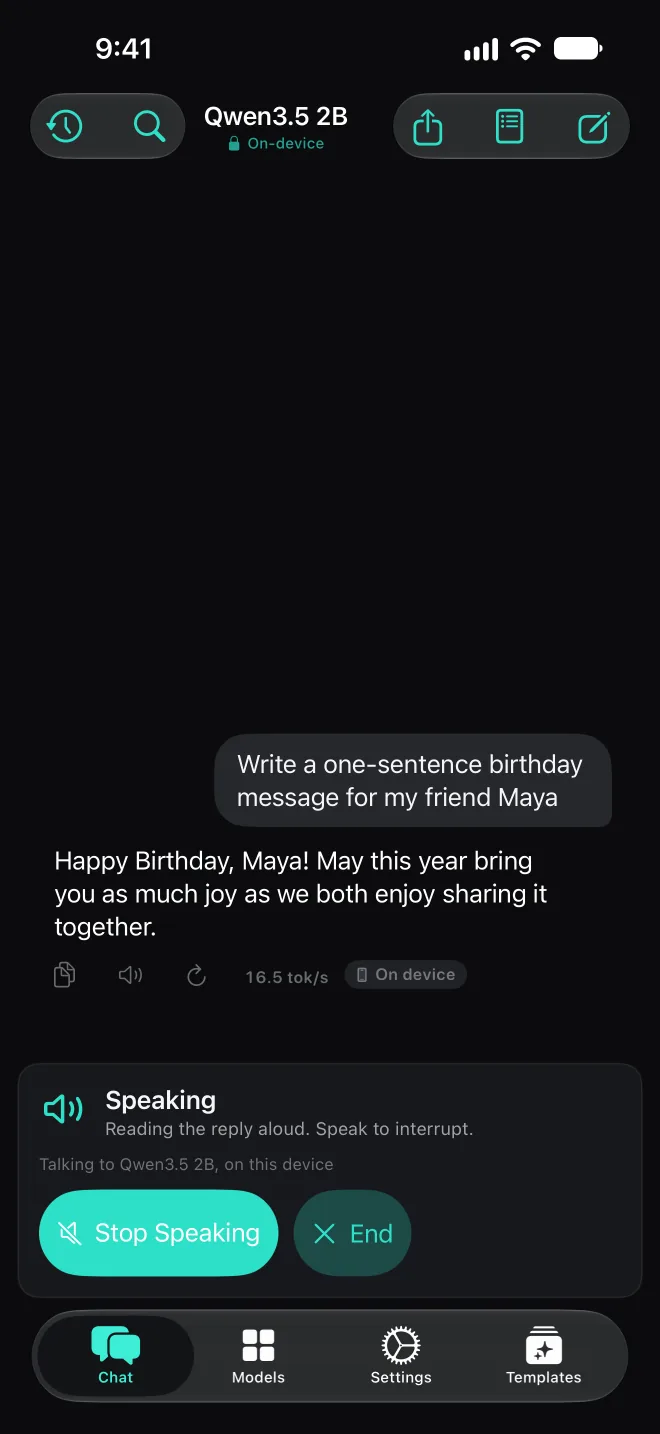
See the modelsHands-free voice conversation, Thinking for models that support it, and 500 ready-made prompts and 67 templates for everyday jobs.
See the featuresWeb search when you choose, an on-device code sandbox, files, calendar and reminders, Agent mode that asks before sensitive steps, and MCP servers.
See the toolsGetting started
| Devices | iPhone and iPad |
|---|---|
| iOS | iOS 17 or later |
| Memory | About 2B models on 4 GB iPhones, about 4B on 6 GB iPhones, Gemma 4 E4B on iPhone 15 Pro or later. Qwen3.5 9B and Gemma 4 12B on iPads with 12 GB or more. |
| Account | None |
| Price | One-time purchase. No subscription and no in-app purchases. |
Questions first? The FAQ covers memory, privacy and models.